From Lokko Wiki, the free Lokko encyclopedia
2D Editor Block Reference
Contents
Every icon the 2D Level Editor uses, grouped by the category it appears under in the editor palette — 42 items across 11 categories, with its display name and what it does. Descriptions are inferred from the icon art and naming, since (unlike the 3D Editor Block Reference) no source description file exists for the 2D editor yet — flag any that need correcting.
Pusher
| Icon | Name | Description |
|---|---|---|
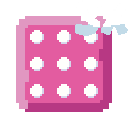
|
Pusher 3x | Pushes players away — small size |
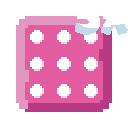
|
Pusher 5x | Pushes players away — large size |
Guess: the "3x"/"5x" in the filenames are assumed to mean size, by analogy with the 3D editor's spike-arm length variants — they could instead mean push strength or speed.
Spike
| Icon | Name | Description |
|---|---|---|
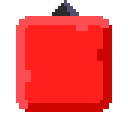
|
Spike Up | Fixed spike hazard pointing up |
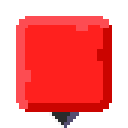
|
Spike Down | Fixed spike hazard pointing down |
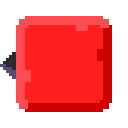
|
Spike Left | Fixed spike hazard pointing left |
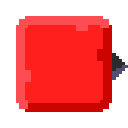
|
Spike Right | Fixed spike hazard pointing right |
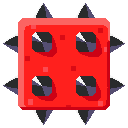
|
Spike Cube | Cube covered in spikes that inflicts damage |
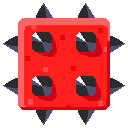
|
Spike Cube Horizontal | Spiked cube that inflicts damage — moves side to side |
|
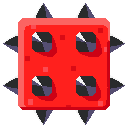
Spike Cube Vertical | Spiked cube that inflicts damage — moves up and down |
|
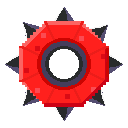
Spike Wheel | Spinning wheel that inflicts damage |
|
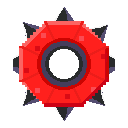
Spike Wheel Horizontal | Spinning wheel that inflicts damage — moves side to side |
|
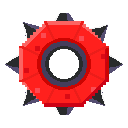
Spike Wheel Vertical | Spinning wheel that inflicts damage — moves up and down |
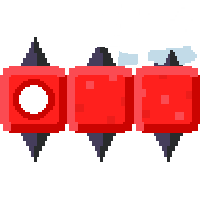
|
Spike Arm 4x | Rotating arm of spiked balls that inflicts damage — short variant |
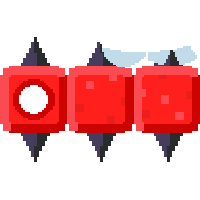
|
Spike Arm 6x | Rotating arm of spiked balls that inflicts damage — medium variant |
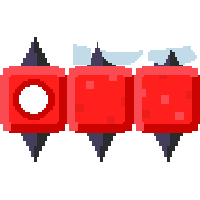
|
Spike Arm 10x | Rotating arm of spiked balls that inflicts damage — long variant |
Moving Platforms
| Icon | Name | Description |
|---|---|---|
|
Moving Platform Horizontal | Moves side to side |
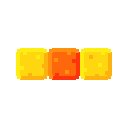
|
Moving Platform Vertical | Moves up and down |
Jump Pads
| Icon | Name | Description |
|---|---|---|
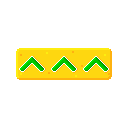
|
Jump Pad Vertical | Launches you up into the air |
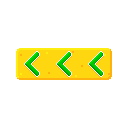
|
Jump Pad Left | Launches you sideways to the left |
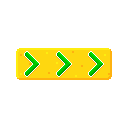
|
Jump Pad Right | Launches you sideways to the right |
Train
| Icon | Name | Description |
|---|---|---|
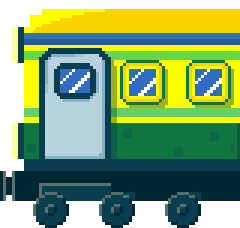
|
Train Car (Front) | Front carriage of a moving train platform — leads the way |
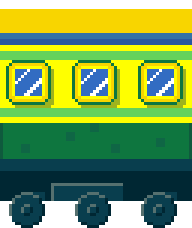
|
Train Car (Middle) | Repeatable middle carriage — chain as many as needed to extend the train |
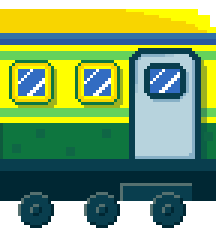
|
Train Car (Back) | Rear carriage of a moving train platform |
Portals and Checkpoints
| Icon | Name | Description |
|---|---|---|
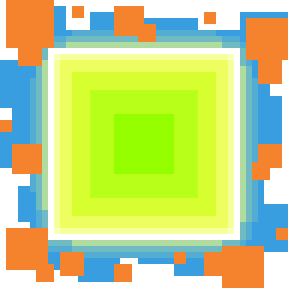
|
Start Portal | The player starts the level from here |
|
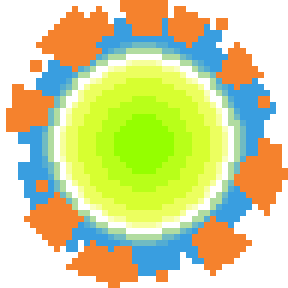
End Portal | Enter this to finish the level |
|
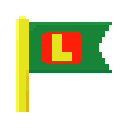
Checkpoint | Player will respawn here |
|
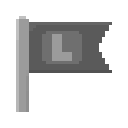
Checkpoint (Reached) | The checkpoint flag after it has been reached |
Guess: two near-identical checkpoint flag icons exist in the source folder (one green, one greyed-out) — assumed to be the checkpoint's default and already-reached states, but they could instead be an unused duplicate or a different distinction entirely.
Cubes
| Icon | Name | Description |
|---|---|---|
|
Cube Blue | Standard blue coloured cube |
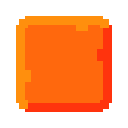
|
Cube Orange | Standard orange coloured cube |
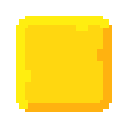
|
Cube Yellow | Standard yellow coloured cube |
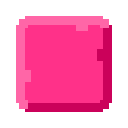
|
Cube Pink | Standard pink coloured cube |
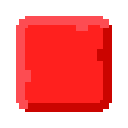
|
Cube Red | Standard red coloured cube |
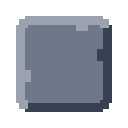
|
Cube Gray | Standard gray coloured cube |
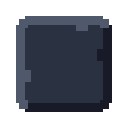
|
Cube Black | Standard black coloured cube |

|
Cube Glass | See-through cube |
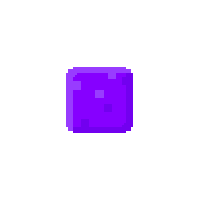
|
Haptics Cube | Make its surroundings vibrate |
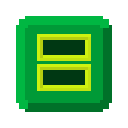
|
Ladder | Climb up and down between platforms |
Lasers
| Icon | Name | Description |
|---|---|---|
|
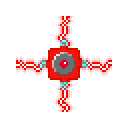
Laser (4-Way) | Fires laser beams in four directions |
|
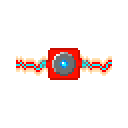
Laser (2-Way) | Fires laser beams in two directions |
Currency
| Icon | Name | Description |
|---|---|---|

|
Coin | Add these collectibles to your level for added fun |
Abilities
| Icon | Name | Description |
|---|---|---|
|
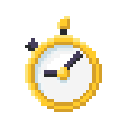
Time Slowdown | Slow down everything around you |
NPC
| Icon | Name | Description |
|---|---|---|
|
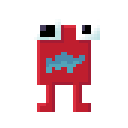
Runner | Runs at you. Set its speed, range and mood |