How to Make a Game Character Without 3D Modeling
🎨 You can name a dozen game characters from their outline alone — and not one of those outlines needed a 3D modeling program. 3D modeling has a genuinely steep learning curve, but it's not the only path to a memorable character. Some of gaming's most recognizable faces started as flat 2D sprites or were built entirely through in-game customization tools. Here's how to design a character without touching a 3D program.
1. Start With a Silhouette, Not Details
Before drawing any features, sketch just the character's outline in solid black. If you can identify the character (or at least its role — hero, enemy, obstacle) from the silhouette alone, the shape is doing its job. This is the same principle 3D artists use, but it's far easier to iterate on in 2D since you're not fighting with a viewport or rigging.
Try the "squint test." Blur your eyes (or actually squint) at your silhouette. If you can still tell what it is and roughly what it's holding or doing, the shape works. If it turns into an unreadable blob, the design needs simplifying before you add a single detail.
Game designers have relied on this shape-first approach for decades — Gamedeveloper.com's guide to designing good game characters breaks down how shape language (rounded vs. angular, thick vs. thin) communicates a character's role before a player reads a single line of dialogue.
Why it works: players recognize characters by silhouette faster than by detail, especially in fast-paced gameplay — a strong outline reads clearly even at small sizes or in motion.
2. Design in 2D Sprite Art
Once the silhouette is solid, build the character as flat 2D art:
- Pixel art for a retro or stylized look — accessible with free tools like Aseprite or Piskel, and forgiving for beginners since you're working with a limited color palette and grid.
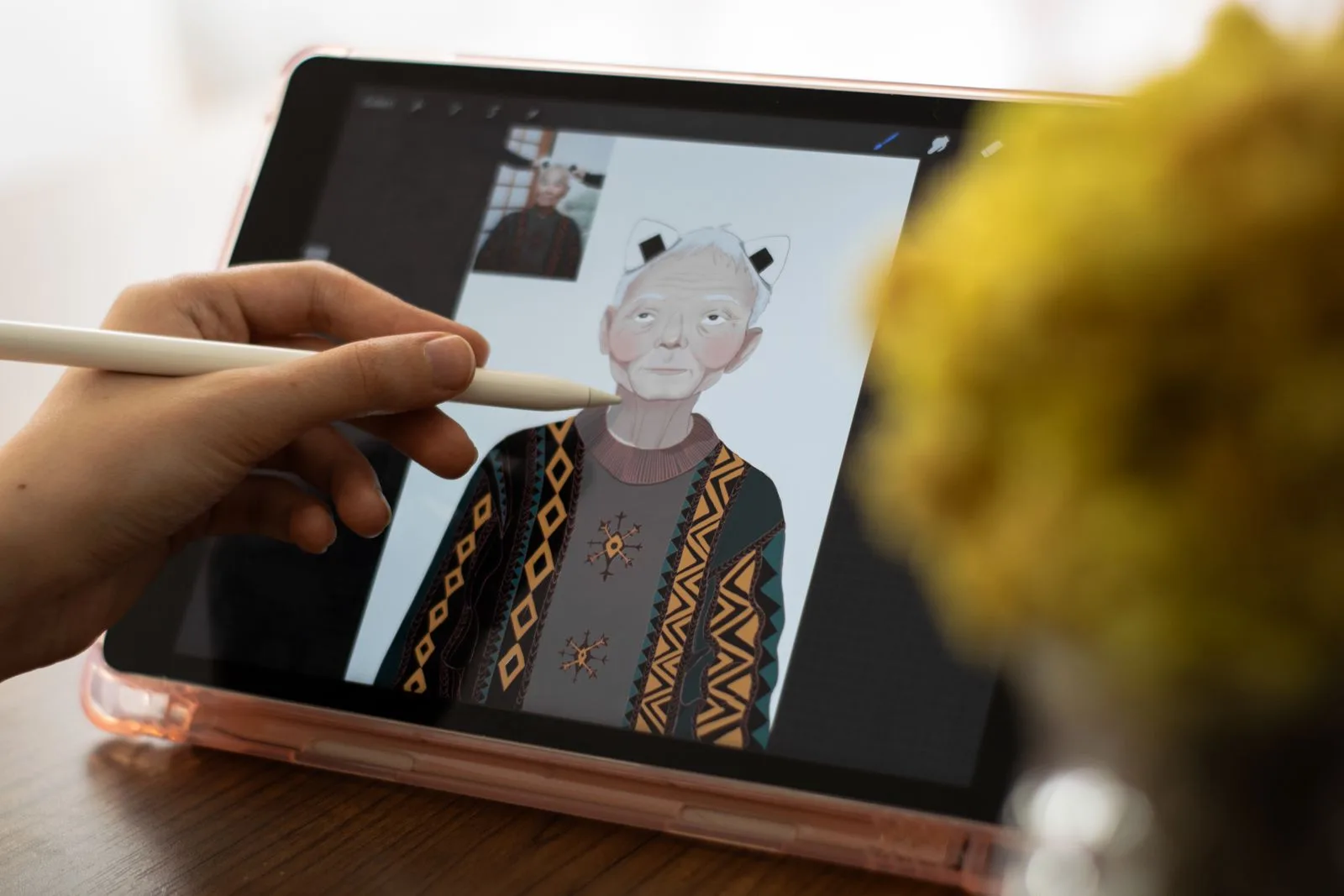
- Vector or hand-drawn illustration using a drawing tablet and software like Procreate, Photoshop, or the free Krita, for a more polished, scalable look.
- Flat cutout style, where a character is built from separate layered pieces (head, torso, limbs) that can be animated by moving the pieces independently — common in 2D platformers and mobile games.
This is a fully legitimate, widely used approach — plenty of shipped games rely entirely on 2D character art with no 3D modeling anywhere in the pipeline.
3. Use a Built-In Character Customizer
If drawing isn't your strength, character customization systems inside games with editors let you build a character visually — picking from pre-made parts, colors, and accessories — without creating any art from scratch. This is how most players create characters in games with robust creation tools, and it still results in a character that feels personal and distinct.
What to look for in a customizer:
- A wide enough range of parts and colors to avoid everyone looking the same.
- The ability to preview your character in actual gameplay, not just a static menu.
- Save/load support, so your character persists across sessions rather than resetting.
4. Animate With Sprite Sheets, Not Rigging
Rigging is the process of building a digital skeleton inside a 3D model so it can be posed and moved. 3D characters need rigging and skeletal animation; 2D characters can be animated with sprite sheets — a sequence of drawn frames swapped quickly to simulate motion (walking, jumping, idle). This is more time-consuming per-frame but requires no rigging knowledge, and tools like Aseprite have built-in support for previewing sprite sheet animations as you draw them.
Sprite Art vs. a Built-In Customizer: The Real Difference
Both paths in this guide produce a finished, playable character. But they trade off in opposite directions. Drawing your own 2D sprite art gives full creative control. You get a genuinely unique silhouette and color palette that nobody else's character will share, at the cost of needing actual drawing time and at least some art skill, even at the pixel-art end of the spectrum. A built-in character customizer inverts that trade. Zero drawing skill is required, and a character can be finished in minutes, but working within a fixed set of parts and colors means someone else could land on a similar combination. Neither approach is more "legitimate" than the other. The right one just depends on whether time and art skill are available, or whether getting a distinct character into a playable level quickly matters more.
5. Playtest the Character in Context
A character that looks great in an isolated preview can still fail in actual gameplay. Colors can blend into the background, a silhouette can turn unclear at the size it appears on screen, or an animation can read awkwardly during fast movement. Always test the character inside the actual level or environment, not just on a blank canvas.
Building the world your character will actually appear in? Our guides on creative game design activities and the best sandbox creation games for families cover the level-building side of the same process.
Key Takeaways
- A clear, readable silhouette matters more early on than fine detail — nail the shape before adding features.
- 2D sprite art (pixel art, vector illustration, or layered cutouts) is a complete, standalone path to a finished game character with no 3D modeling required.
- Built-in character customizers let you design a character visually with zero drawing skill needed.
- Sprite sheet animation replaces 3D rigging for bringing a 2D character to life.
- Always playtest a character's design inside actual gameplay, not just in an isolated preview.
Character design is just one stage of building a level end to end — see our full creator workflow, from idea to published level, for where it fits in.
Frequently Asked Questions
Do I need to know 3D modeling to design a game character?
No. Character design can be done through 2D sprite art, vector illustration, or built-in character customization systems, all of which skip 3D modeling entirely while still producing a fully realized, playable character.
What's the easiest way to start designing a game character with no experience?
Start with a 2D silhouette sketch to nail down a clear, readable shape, then build up details like color and expression on top of it — this works whether you're drawing digitally or using a character customizer.
What tools can I use to design a 2D game character?
Drawing tablets with illustration software (like Procreate, Photoshop, or Krita) work well for original art, while built-in character customization systems in games with editors let you design a character visually without any drawing skills at all.
Does a 2D character work in a 3D game?
Yes — this is a common technique called 2.5D or sprite-based character design, where a flat 2D character is placed inside a 3D environment, and it's also standard in fully 2D platformers.